Ultrabars
Getting Started
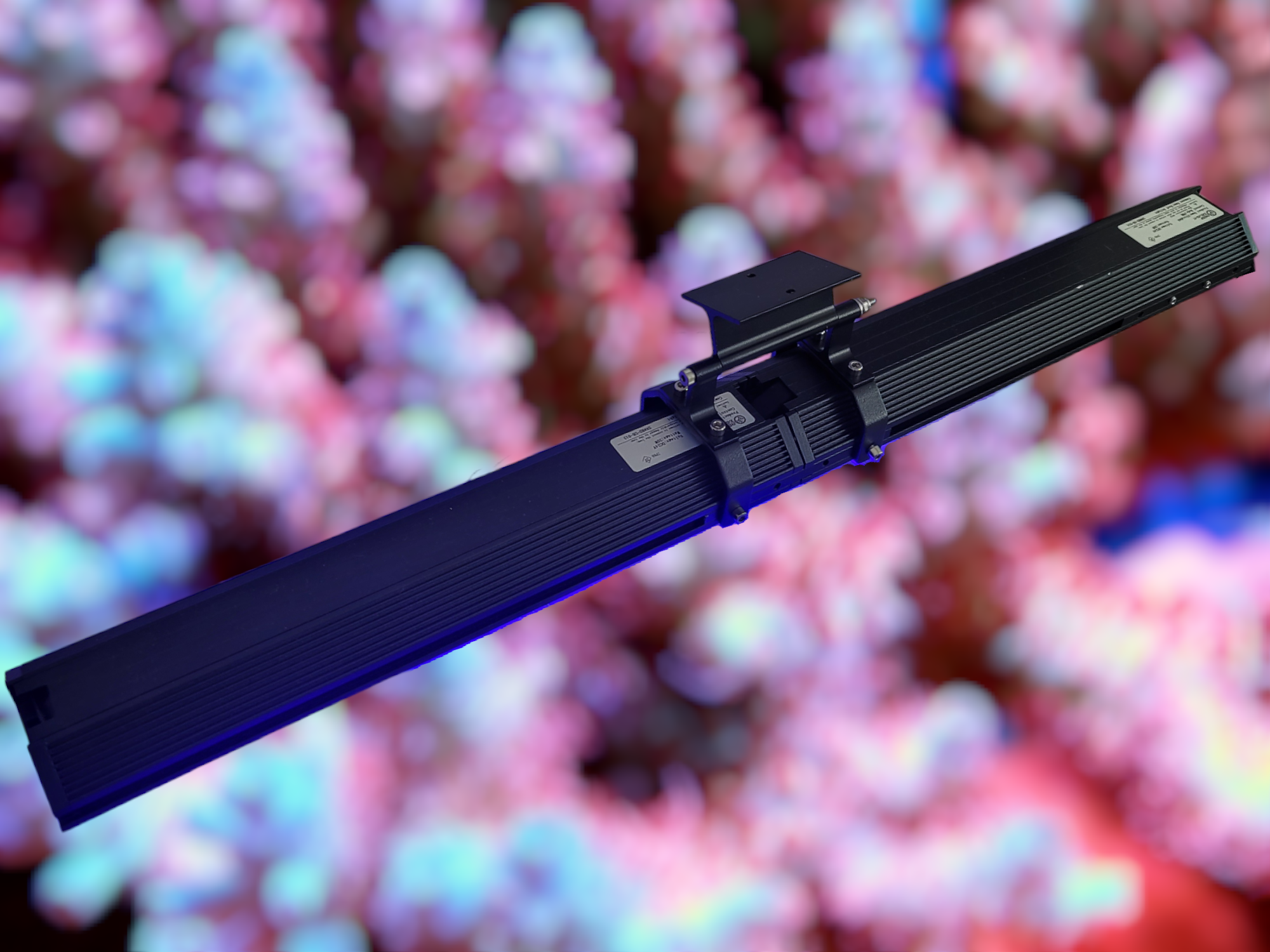
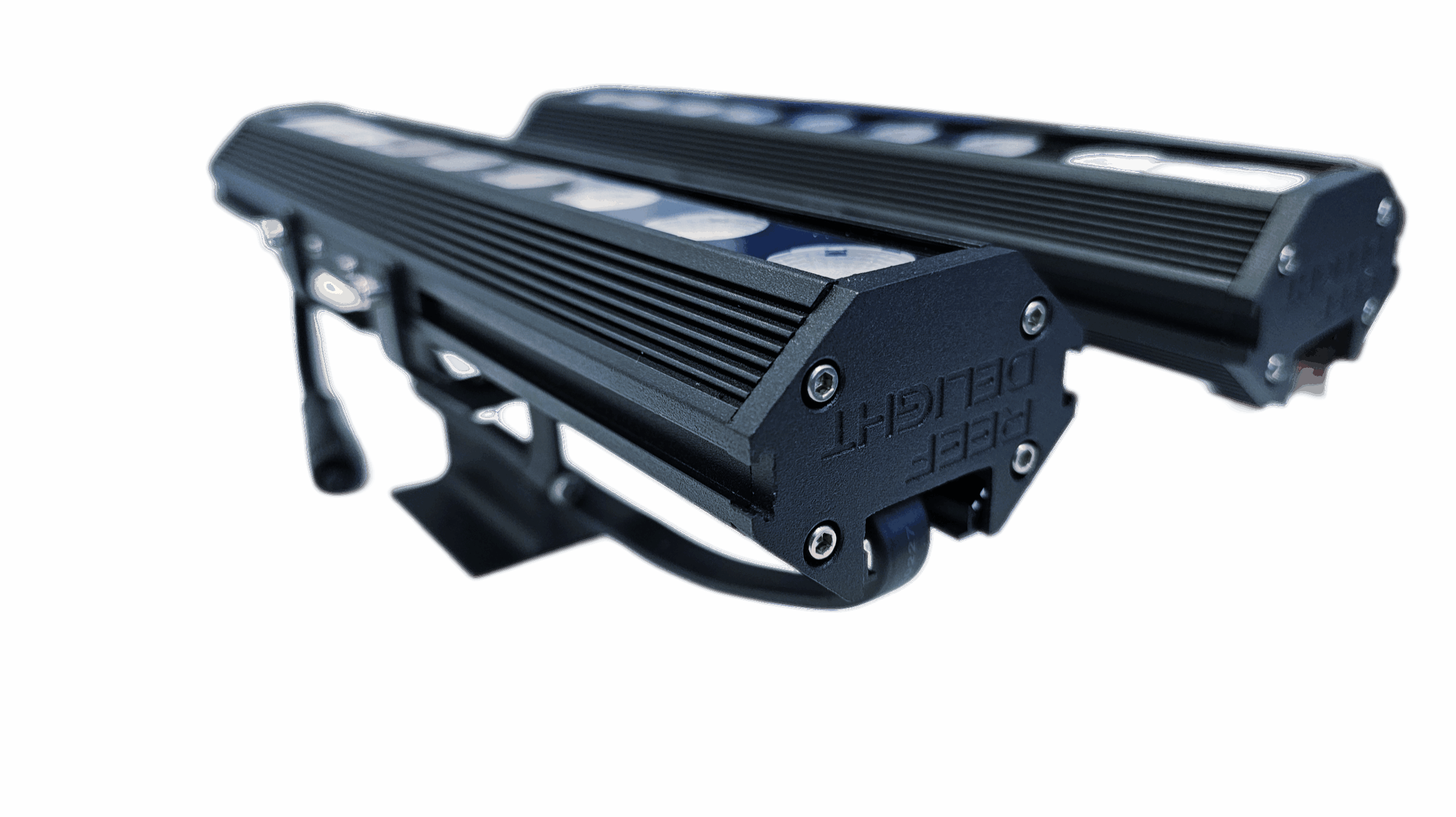
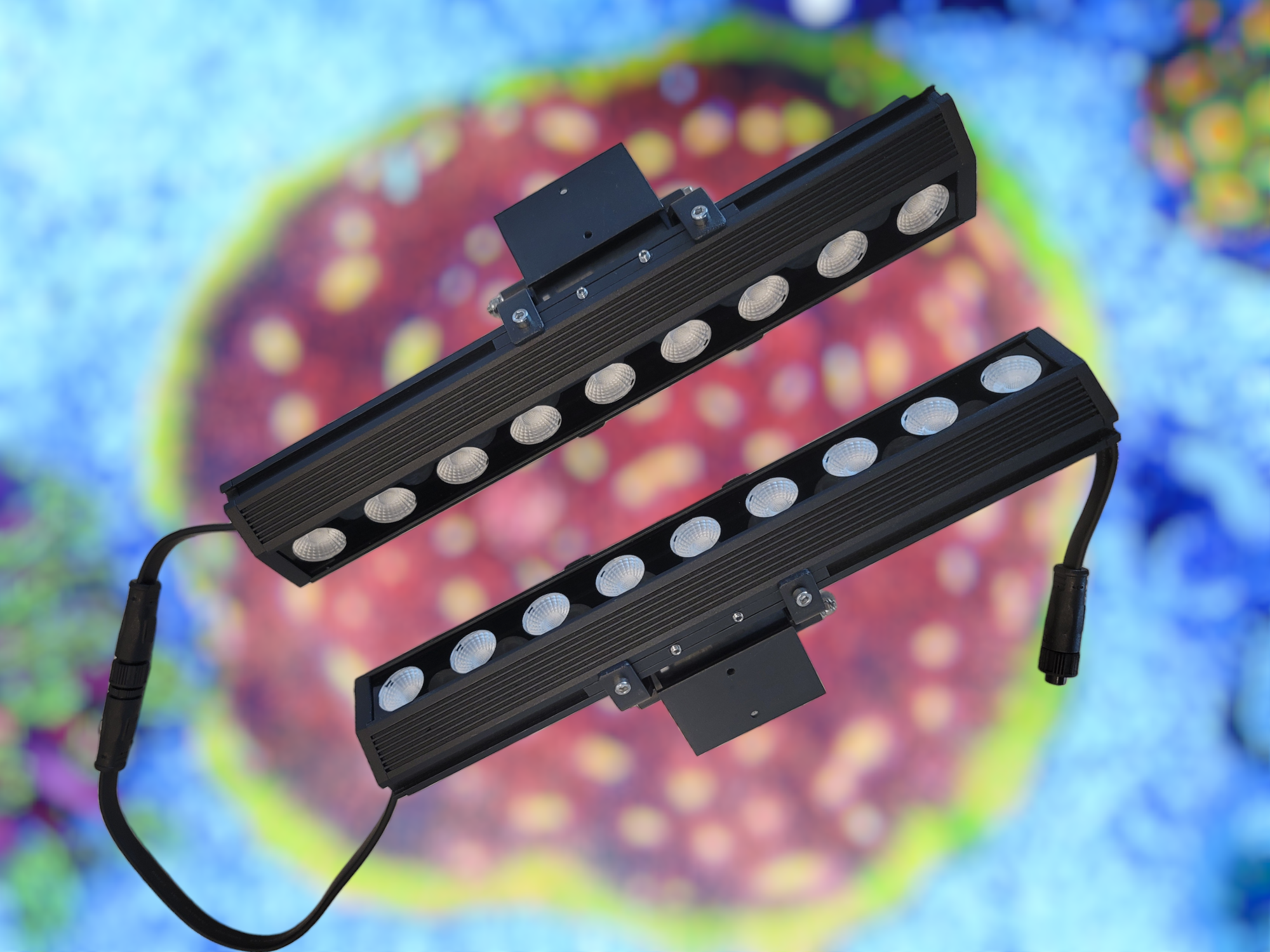
Reef Delight UltraBARs are modular and designed to provide maximum flexibility for installation options. Each power supply and controller can power up to 6 UltraBARs at 100% power. You can connect more than 6 UltraBARs by reducing the maximum light output from the app.
You can connect the lights, with or without gaps between them. This allows you to mount the lights to your preference, to maximize PAR and spread to your needs.
The robust swivel brackets allow you to angle the lights to minimize light spillage, as well as addressing shadows. The swivel brackets can be screwed in to your aquarium hood, or mounted on most available mounting solutions using optional 3d-printed brackets, that slip on to the brackets.
Connecting the lights
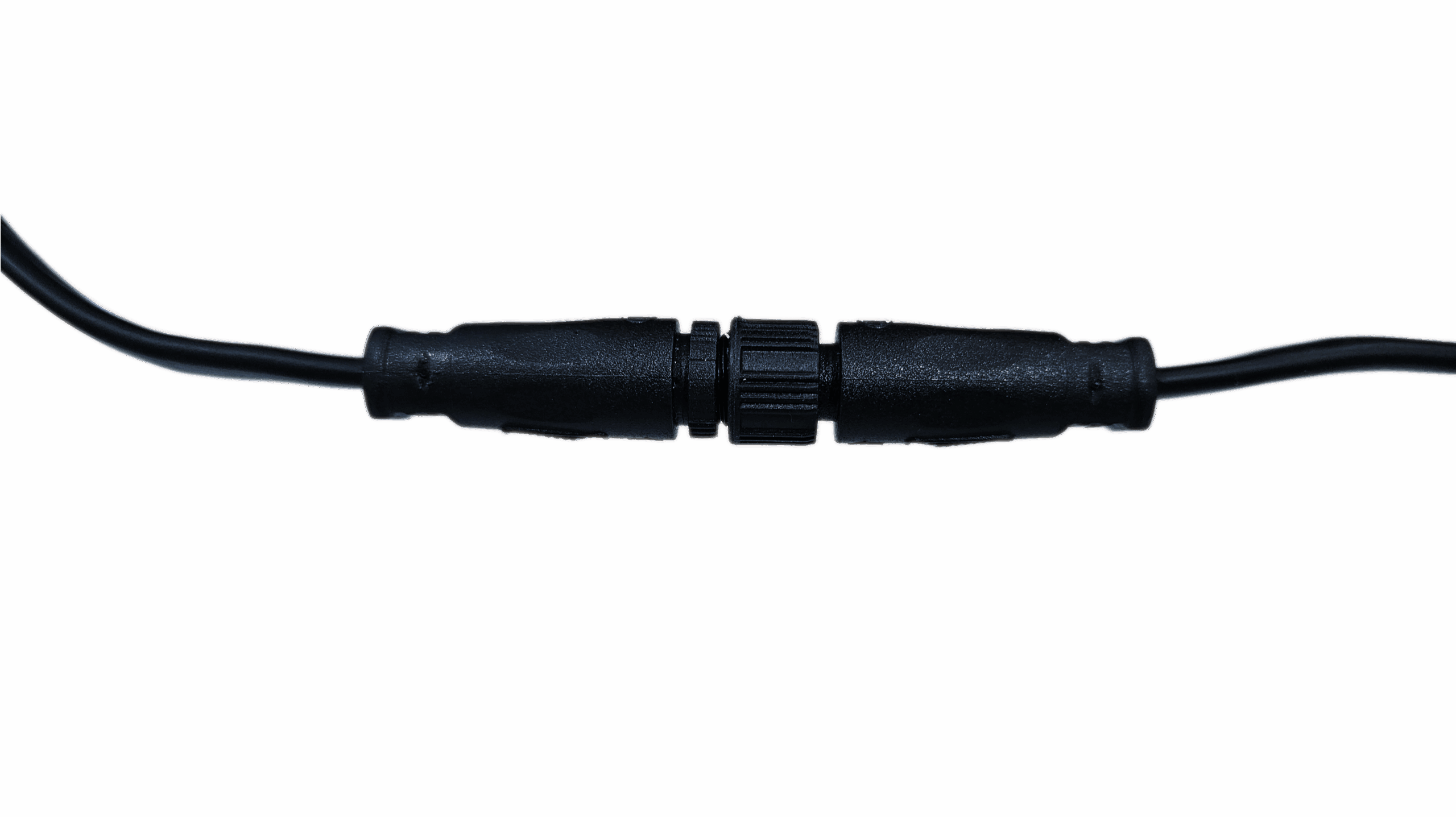
Connecting the lights to each other is quite intuitive. Ensure the plugs are connected tightly and the ring is tightened to ensure plugs do not come loose, and there is a water-tight seal.
* Each controller can power up to 6 UltraBARs at 100% power; if you choose to connect more than 6 UltraBARs to a single controller, you will need to reduce the overall power to prevent flickering.
If connecting with gaps between lights, it will be as simple as connecting the plugs, and mounting the lights as you wish. If you would like to connect with no gaps between the lights, follow the videos to attach lights to each other.
* Removing / loosening the bracket will help slide the top plate in and out more easily
* Moving cables under the side hangs will help close the top cover plate more easily
* You should have to remove the top plate on only one light at a time while connecting them.
Also view Connect 3 bar lights video.
Installing the app
Install diretly from Google Play Store or Apple App Store by searching for Reef Delight UltraBAR.
Alternatively, scan the appropriate QR code to navigate to the app in Google Play Store / Apple App Store directly.
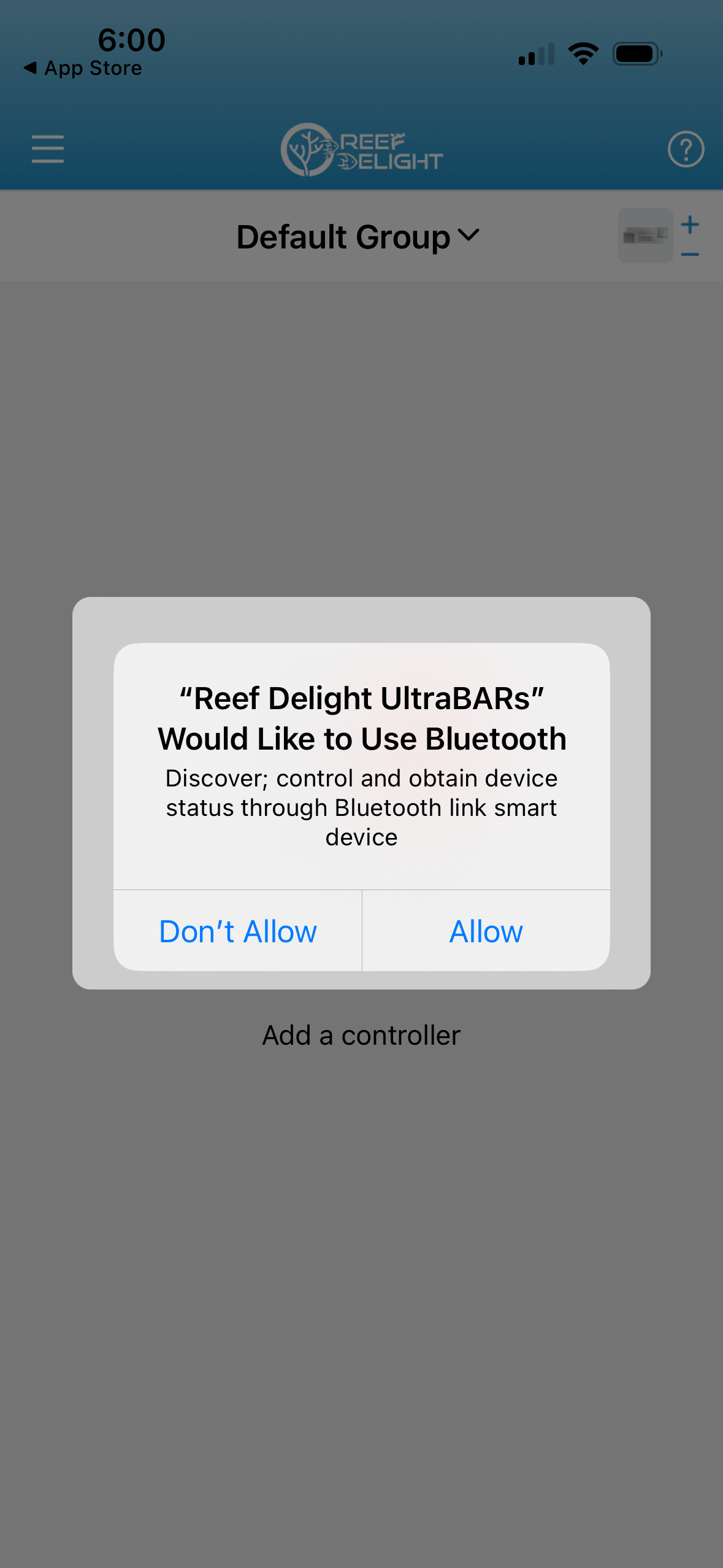
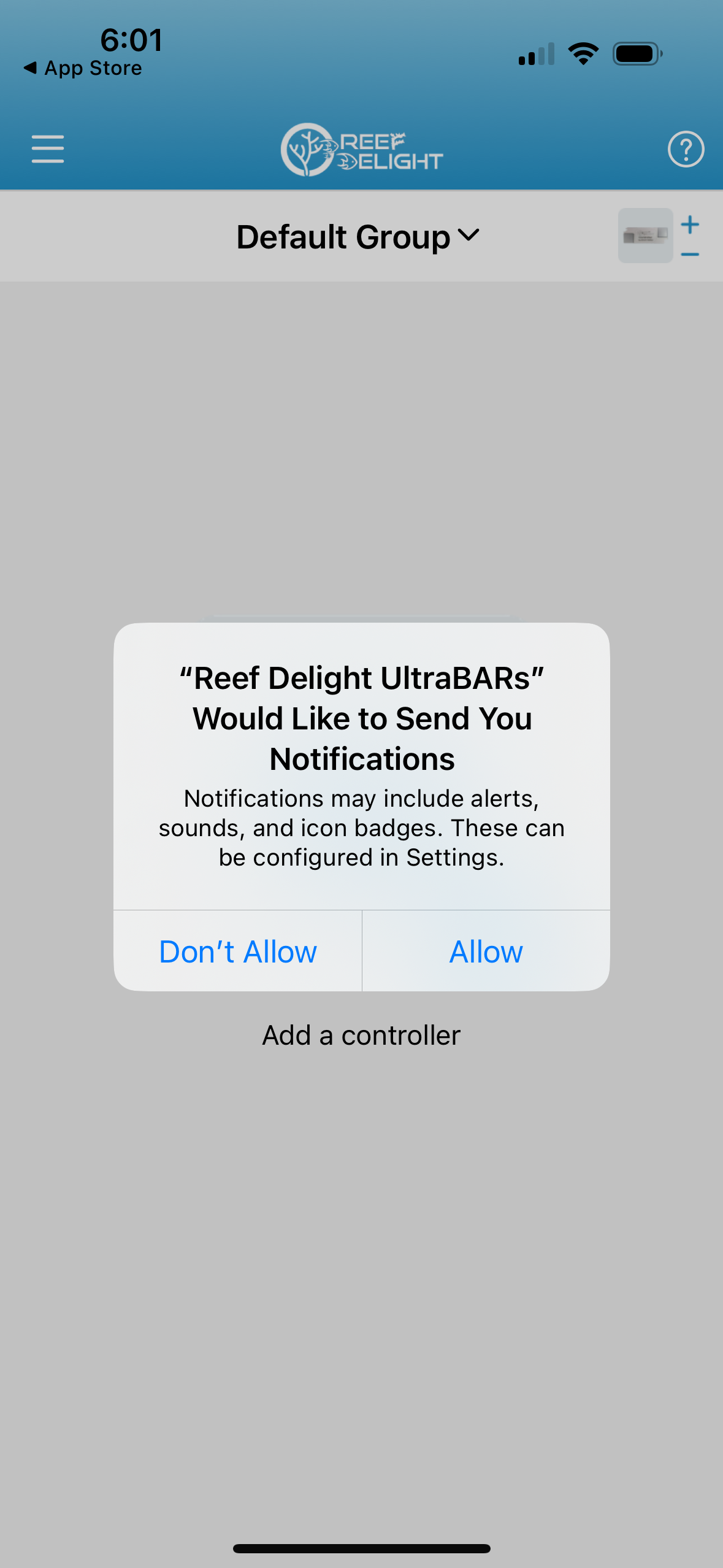
Ensure you allow all permissions to the app when you open it the first time. These are necessary for the app to function correctly.
Creating groups
You can control the lights connected to multiple controllers at the same time, by assigning the controllers to the same group. There is a "Default Group" automatically created when you install the app. Unless you create and select a different group, controllers will get added to this group by default. If you are not planning to have multiple groups, you can skip this section.
To create a new group, click on the hamburger icon on the top left (three dashes), and click on "Groups". On the following screen, click on "Add a Group". Enter a name for the new group, and click on "Confirm".
Adding controllers
If adding a single controller:
– Close the app if open, and power on the controller.
– Press the button on the back of the controller for 4-6 seconds; the lights will flash
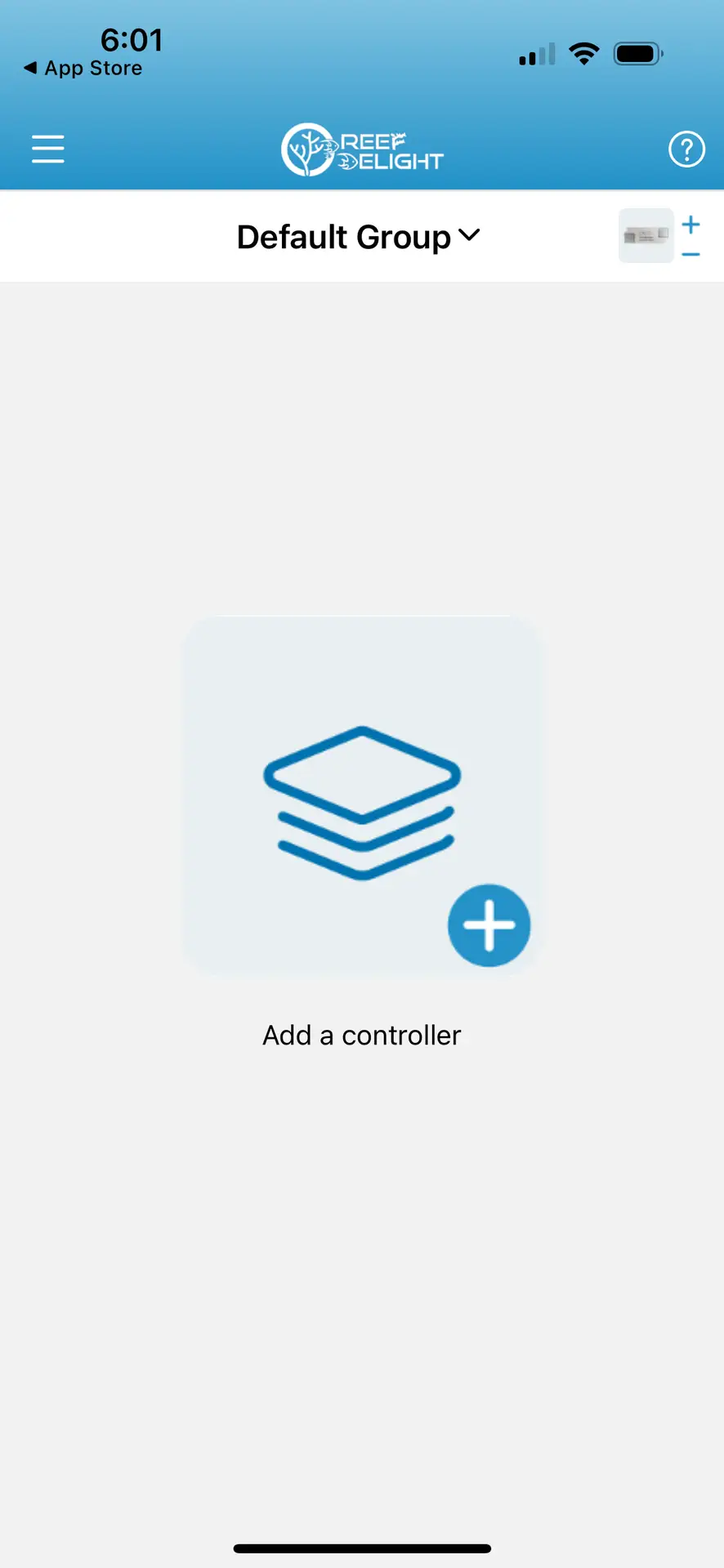
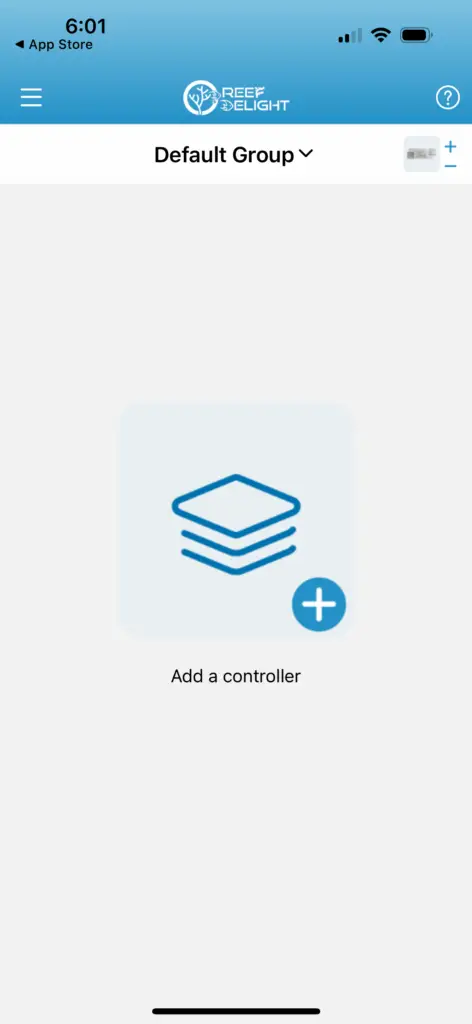
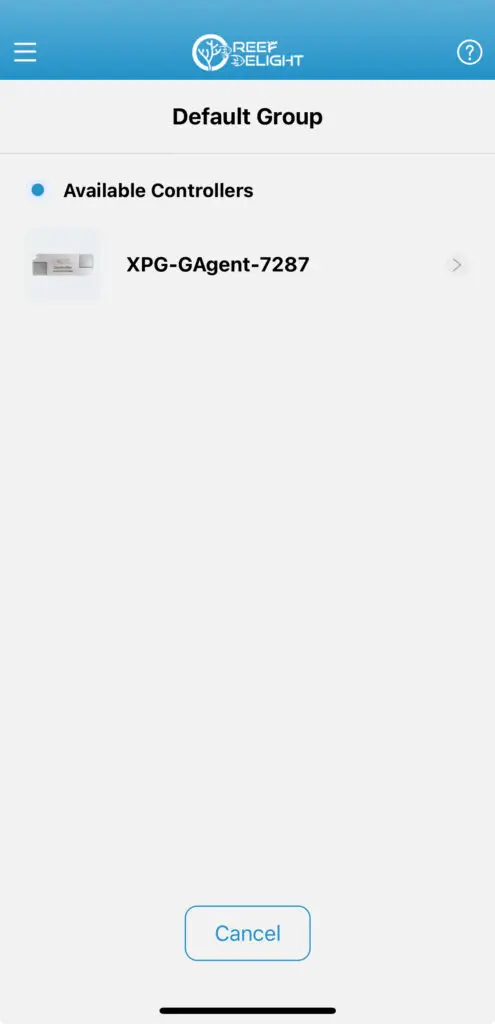
– Open the app, and click on “Add a controller”
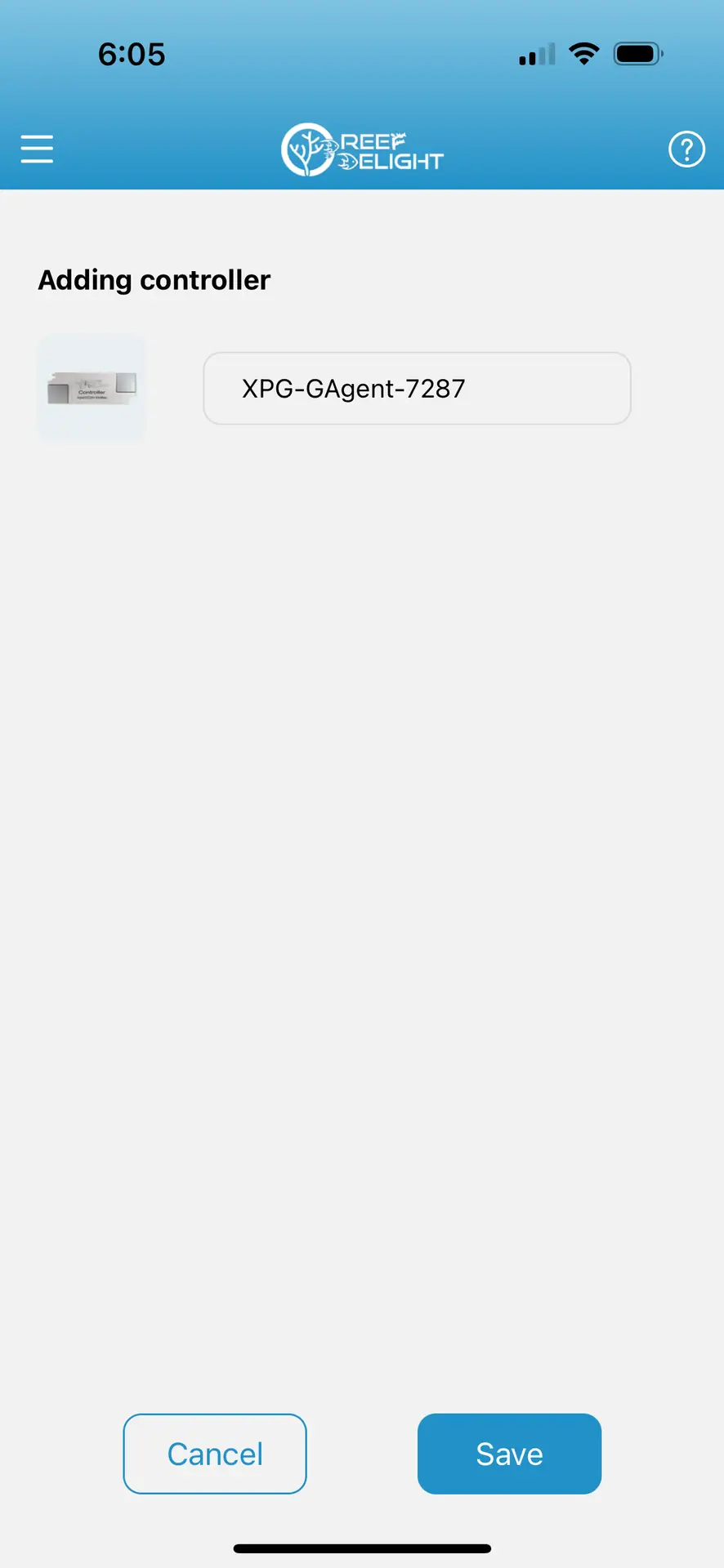
– Select the controller
* if same controller name appears more than once, select the last entry for it
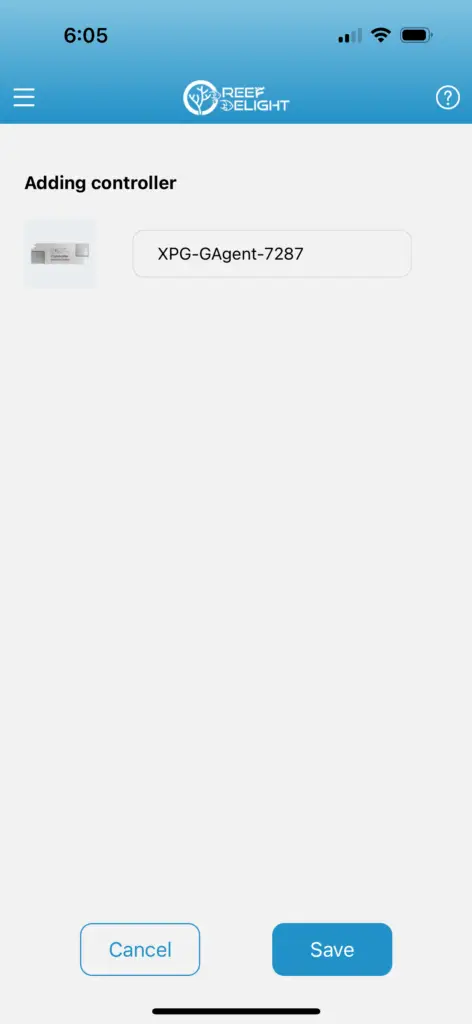
– You can rename the controller if you choose to (ensure you don’t use the same name for multiple controllers) and click on Save
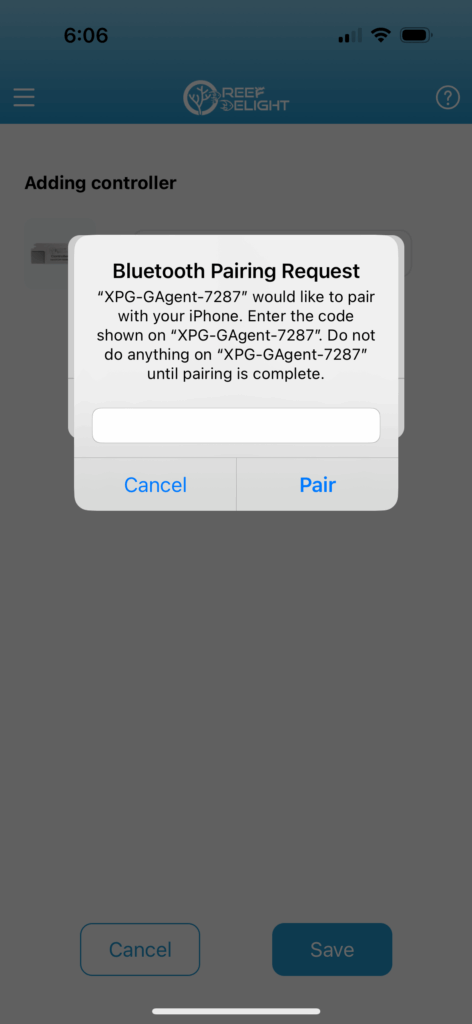
– Enter the pairing code when asked: 000000 (six zeroes), and click on Pair
If adding multiple controllers, follow the above steps, one controller at a time. Only have the controller being added turned on, to avoid confusion. You might get messages about unable to connect to bluetooth — you can ignore these, and click on the controller icon at top right to continue adding the controllers.
Manual mode
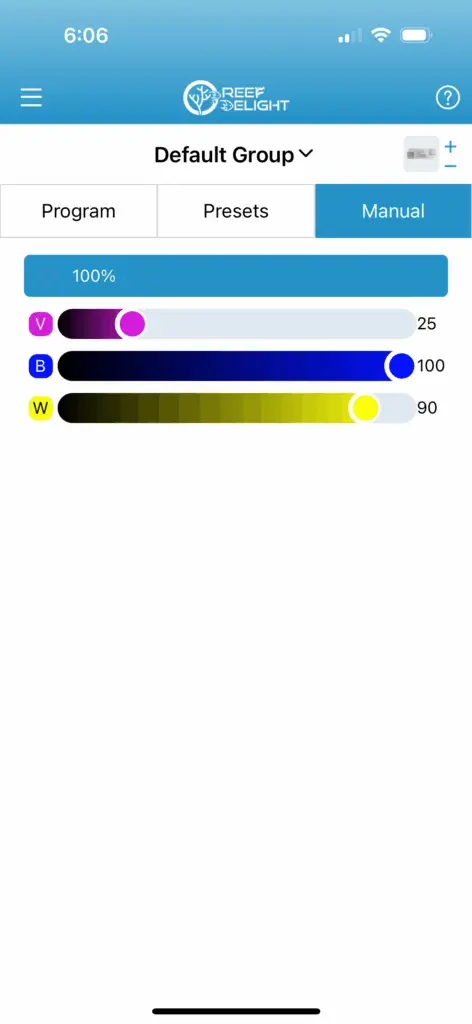
Manual mode allows you to quickly test different levels for the 3 channels, as well as adjust the overall intensity. Manual mode is not always persisted, and lights may revert back to the Program after certain amount of time.
This mode is primarily meant to quick test spectrum.
Presets
With traditional lights, with diodes in a cluster, or even with diodes restricted to "a box", majority of light falls straight down*. Don't believe us? Take a picture of your aquarium from a distance, and you will see the 'beams' of lights. Better yet, if you have access to a PAR meter, take PAR measurements directly under the light, and then on the far sides.
Hot Spot is the spot in your tank with excessive / majority light. This can lead to corals directly under the light getting over exposed to light, with potential bleaching happening, while corals on far sides not getting enough light.
With the diodes being evenly spaced out across the full length of your tank, with the UltraBARs, light is perfectly blended and even throughout the width of your aquarium.
* With cluster and box lights, using a diffuser can help mitigate hot spots to a certain degree, but diffusers also cause a lot of light to be lost — whether by absorption by the diffuser, and/or by spillage out of your aquarium. Don’t just take our word for it! 🙂 Do a quick online search for “loss of light due to diffuser”
Program mode
With traditional lights, typically hobbyists mount the lights in the center of the tank, to try to achieve even coverage -- this can result in a lot of shadowing effect depending on your rockwork, as well as when the corals start growing out.
With UltraBARs, you can mount them towards the edges of your tank, and angle them in, providing light to corals where they normally would not with a traditional light. This help minimize the overall shadowing effect, which helps promote better colors and growth for all your corals — not just the ones on the top!
Moreover, by angling the lights inwards, your plating Acropora corals will have some colors on the underside as well, instead of being brown.
Reassigning a controller
With traditional lights, with diodes in a cluster, or even with diodes restricted to "a box", majority of light falls straight down*. Don't believe us? Take a picture of your aquarium from a distance, and you will see the 'beams' of lights. Better yet, if you have access to a PAR meter, take PAR measurements directly under the light, and then on the far sides.
Hot Spot is the spot in your tank with excessive / majority light. This can lead to corals directly under the light getting over exposed to light, with potential bleaching happening, while corals on far sides not getting enough light.
With the diodes being evenly spaced out across the full length of your tank, with the UltraBARs, light is perfectly blended and even throughout the width of your aquarium.
* With cluster and box lights, using a diffuser can help mitigate hot spots to a certain degree, but diffusers also cause a lot of light to be lost — whether by absorption by the diffuser, and/or by spillage out of your aquarium. Don’t just take our word for it! 🙂 Do a quick online search for “loss of light due to diffuser”
Removing a controller
With traditional lights, typically hobbyists mount the lights in the center of the tank, to try to achieve even coverage -- this can result in a lot of shadowing effect depending on your rockwork, as well as when the corals start growing out.
With UltraBARs, you can mount them towards the edges of your tank, and angle them in, providing light to corals where they normally would not with a traditional light. This help minimize the overall shadowing effect, which helps promote better colors and growth for all your corals — not just the ones on the top!
Moreover, by angling the lights inwards, your plating Acropora corals will have some colors on the underside as well, instead of being brown.